

Events
Tickets, guest lists and check-in — on your own website.
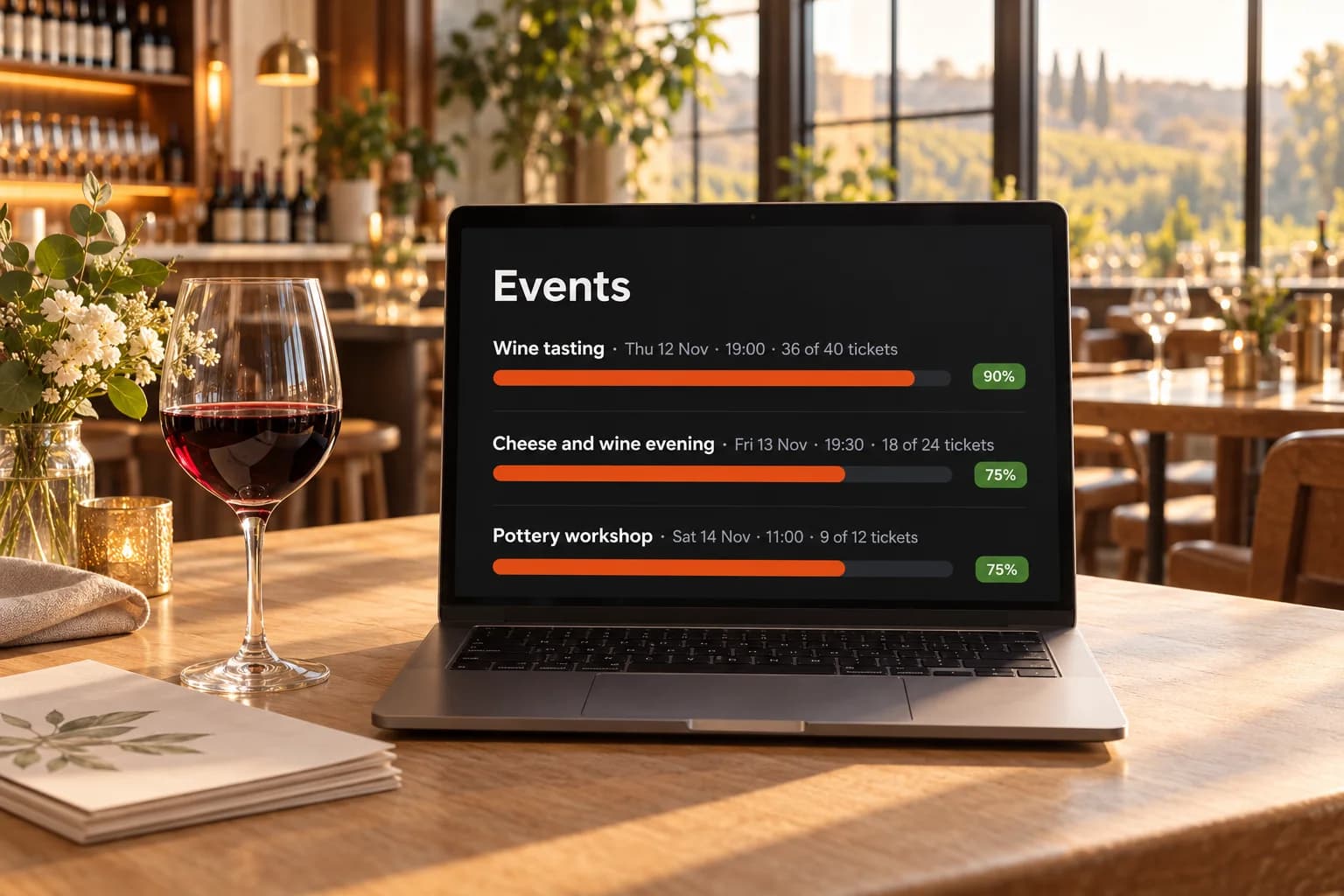
Publish workshops, classes, tastings and concerts. Guests register for free or pay on your site, straight to your own Stripe account, and every ticket carries a QR code you scan at the door.
Why event tickets
Three things that cost you a full room.
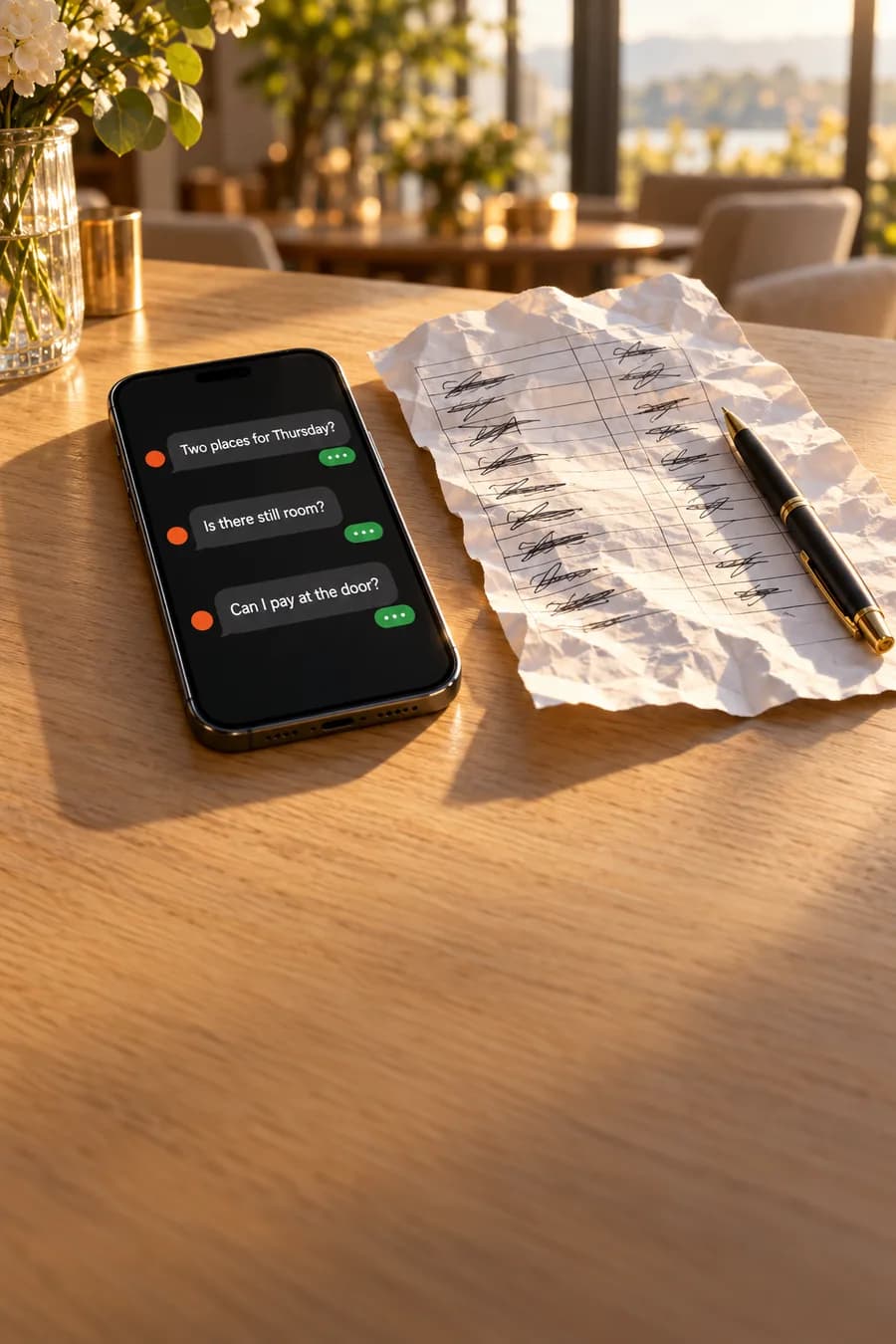
Events lose guests for ordinary reasons: sign-ups come in by message, the door list is on paper, and a sold-out date turns people away for good.
01
Sign-ups by message.
Sign-ups arrive by message, and you update a spreadsheet and check payments by hand.

02
A door list on paper.
The door list is on paper, and nobody knows who is already inside.

03
Sold out means lost.
A sold-out date turns guests away, and seats freed by cancellations stay empty.
Built for the door
Events from sign-up to the door.
Tickets on your site, payments to your account, and a door list that shows who is already in.
 Free or paid ticketsUp to 20 ticket types per event, each with its own price and seats per date. Paid tickets go straight to your Stripe account.
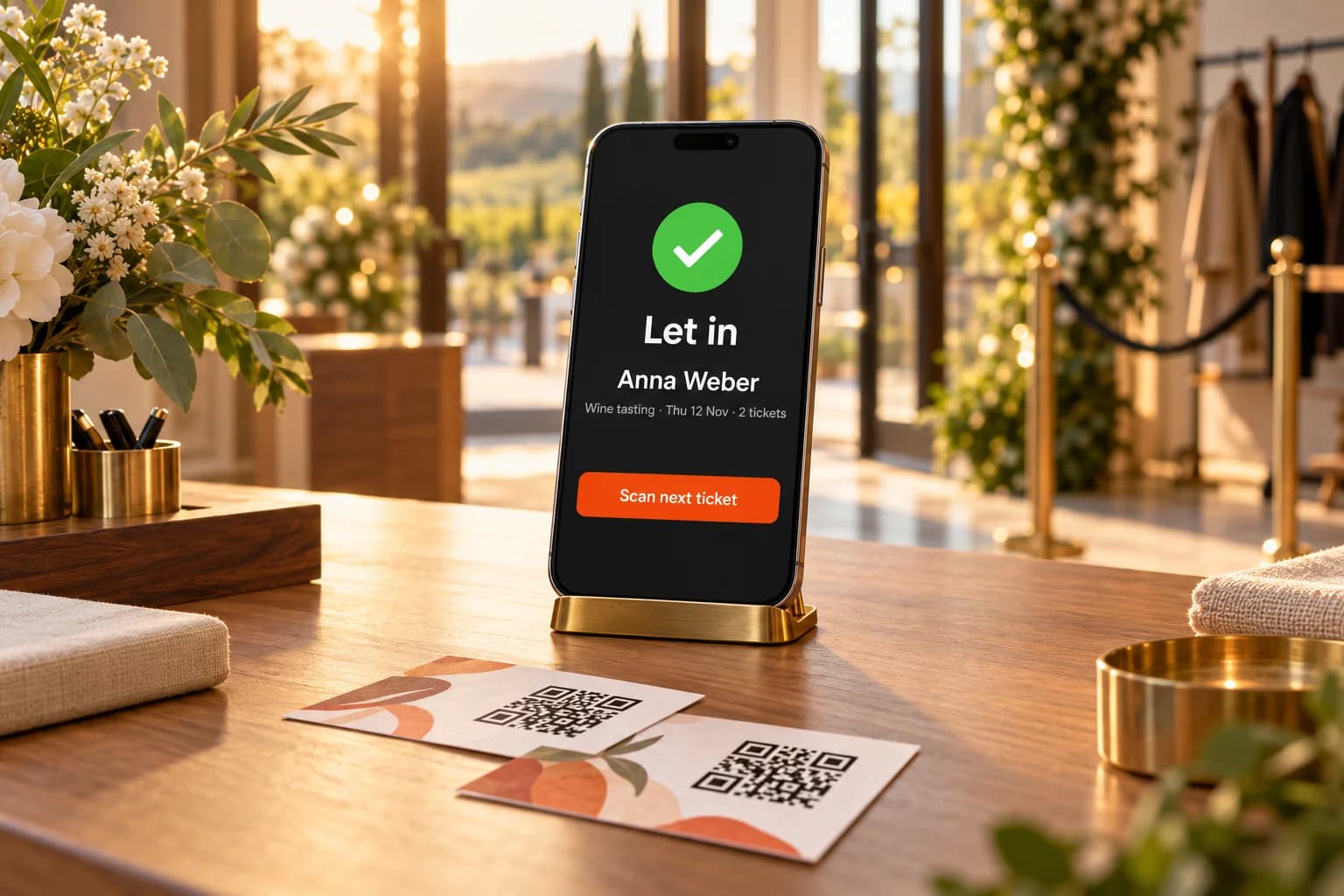
 QR check-in at the doorEvery ticket has its own QR code. Scan it with your phone's camera or find the guest by name — each ticket lets one person in, once.
 One evening or a whole seriesSet dates by hand, or repeat weekly or monthly. Each date has its own seats and its own guest list.
 Promo codes and remindersCodes with limits and a validity window. Guests get their tickets with a calendar file, and a reminder the day before.
Waitlist
Sold out, but never a lost seat.
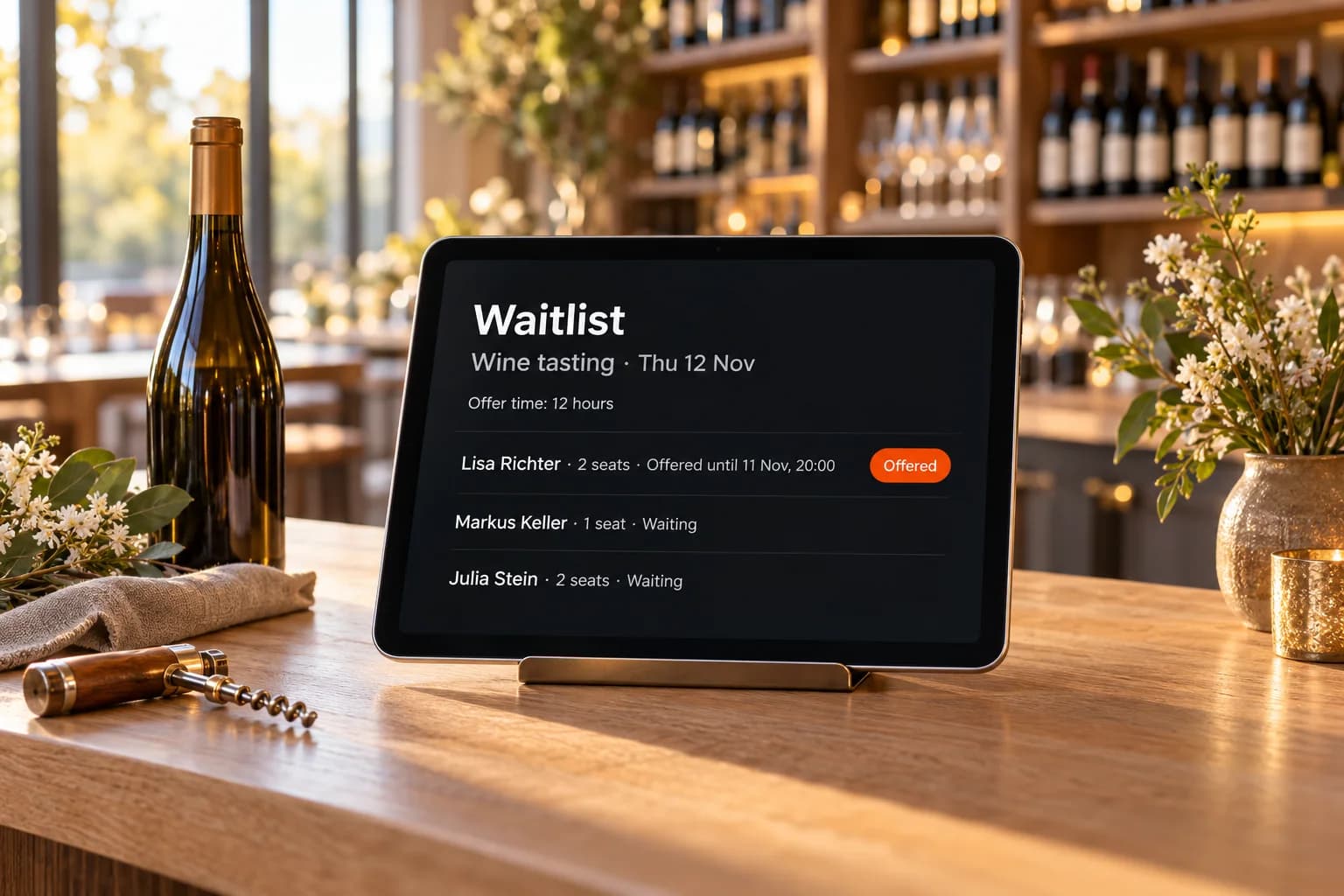
When a date with a seat limit sells out, guests join a waitlist on your website. A seat that frees up is offered by email to the next person in line and held for the hours you set. Until the line is served, your site keeps the date sold out.
- Switched on per event
- Offers go out strictly in line order
- Each offer holds the seats for the hours you set
- Closes two hours before the start
Why it works
Events that fill up and run smoothly.
Tickets on your own site, a quick door, and seats that do not stay empty when someone cancels.
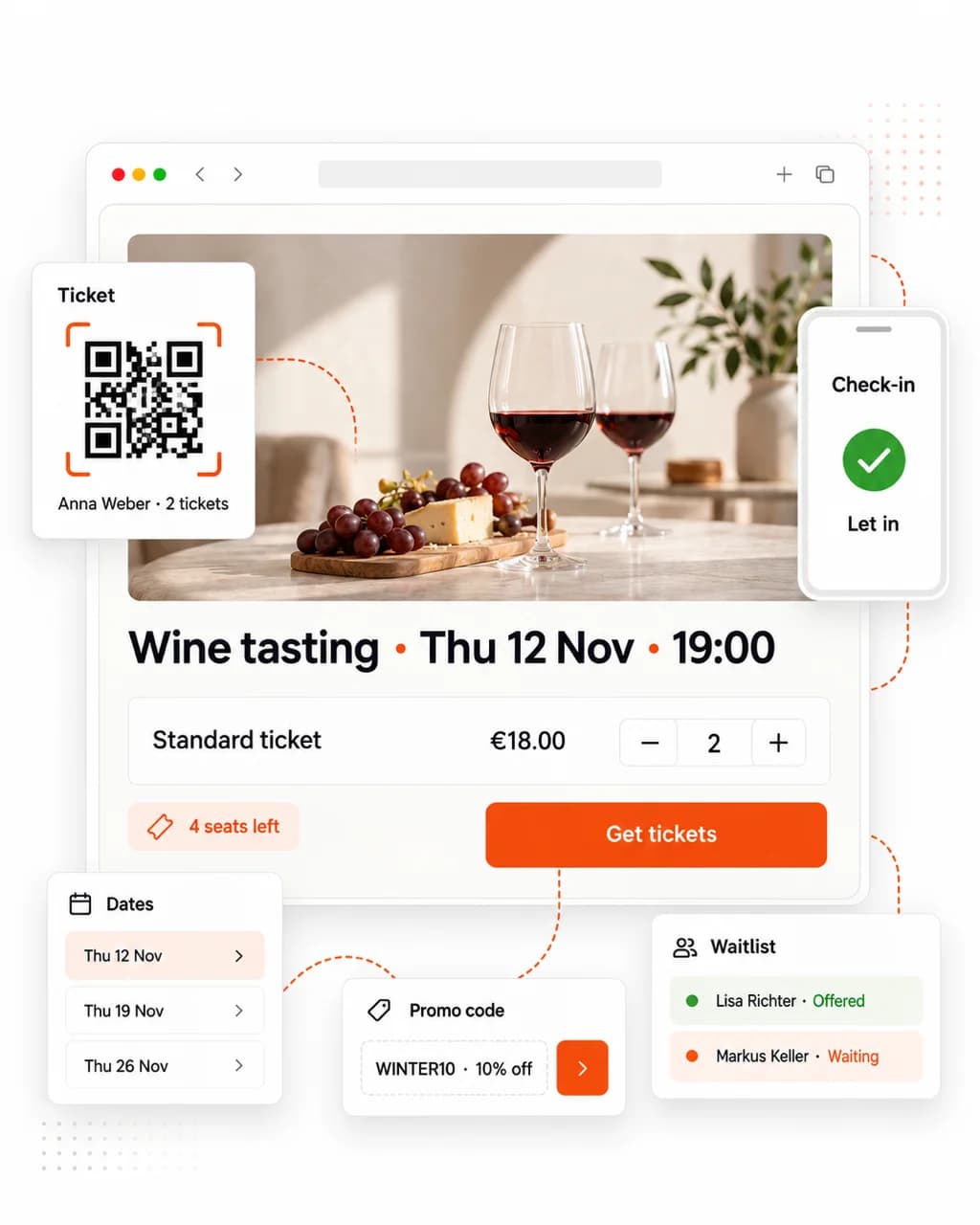
Tickets on your own site
Free registrations or paid tickets on your website; payments go straight to your own Stripe account.

A door that moves quickly
Every ticket has its own QR code. Scan it with your phone or find the guest by name — each ticket lets one person in, once.

No seat left empty
When a date sells out, guests join the waitlist, and freed seats are offered to the next in line.

Series without extra work
Repeat an event weekly or monthly; each date gets its own seats and its own guest list.

Guests who show up
Tickets arrive with a calendar file, and guests get a reminder the day before.

Know who is coming
Ask your registration questions once per order or for every attendee, and export the attendee list.
What's included
Run events from one place.
Dates, tickets, questions and guests stay together — on your website for your guests, in your dashboard for you.

Dates and seats
One evening or a whole series, each date with its own seat limit and its own door list.
Paid tickets with Stripe
Guests pay on your site; the money goes to your own Stripe account and Stripe pays out to you.
Door check-in
Scan each ticket's QR code at the entrance or type its code, and export the attendee list.

Promo codes
Discount codes with a total limit, a per-buyer limit and a validity window.
Registration questions
Ask what you need to run the event, once per order or for every attendee.

Cancellations and refunds
Cancel one order or a whole date: tickets are voided, paid orders refunded and every guest emailed.
Hosting
Hosted in Germany. Open to the world.
Your website and its data are stored on servers at Hetzner in Nuremberg, every visit is encrypted, and visitors reach your site from anywhere.
- Servers in GermanyYour website and its data are stored at Hetzner in Nuremberg.

- Encrypted in transitEvery visit travels over HTTPS, on your efforio.app address and your own domain.

- Reachable worldwideVisitors open your site from anywhere, on any device.

- Servers in Germany: Hosted at Hetzner in Nuremberg
- SSL certificate: Every visit is encrypted
- Reachable worldwide: Your site is open to visitors everywhere
Questions
Questions before your first event.
- Can I run free events without payments?
- Yes. Free registrations are confirmed at once and need no Stripe account. To publish an event you need a verified mail domain, so tickets are sent from your own address.
- What do paid tickets cost me?
- Events are included from the Start plan. Efforio's fee is 1.5% per order on Start, 0.9% on Business and 0% on Pro, on top of Stripe's processing fee. Payments go to your own Stripe account.
- How does check-in work?
- Open a date's check-in on your phone and scan each ticket's QR code, or find the guest by name or ticket code. Every ticket lets one person in once, and the attendee list downloads as a spreadsheet.
- Can guests cancel their tickets?
- If you allow it (on by default), until the cut-off you set — 24 hours before the start by default. Whether a paid ticket cancelled this way is refunded is your choice.
- Is there a waitlist?
- Yes, switched on per event. Guests join for a sold-out date; when seats free up, the next person in line is emailed an offer that holds the seats for 12 hours by default.
- Can I ask attendees questions?
- Yes — up to 20 questions, once per order or for every attendee. Questions about health, diet or religion are not allowed under your terms with Efforio.

Get started
Fill your next date from your own site.
The Start plan at €15 a month includes Events. Build your website free first, then switch it on when you are ready.