

Collections
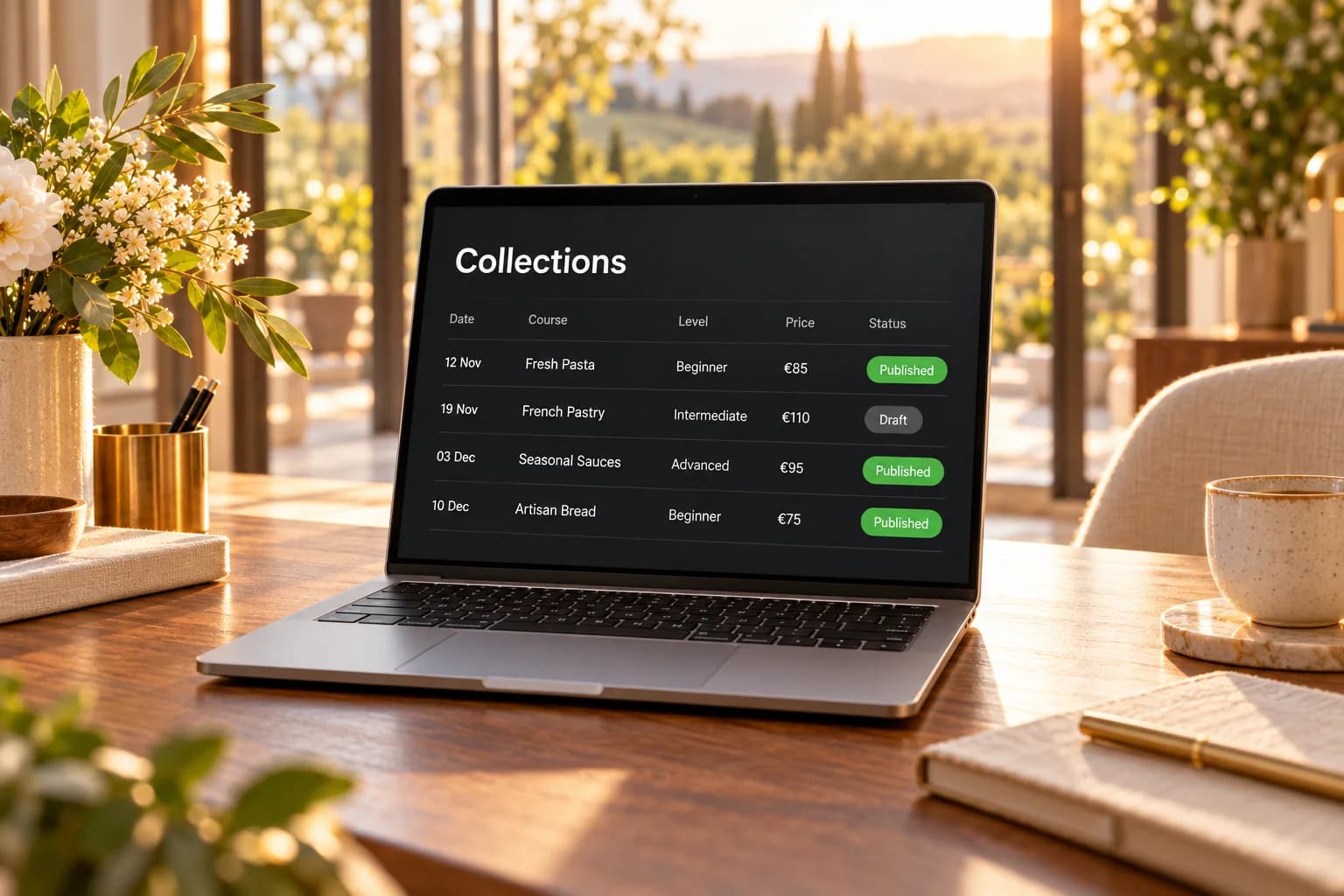
Courses, listings and team pages — kept current from one table.
Keep courses, listings, team members or club news in tables you design, and show them on your website as lists, pages and forms — no code, no extra tool.
Why collections
Three things that make a website hard to keep current.
Lists on a website go stale for ordinary reasons: every change means editing a page by hand, visitor entries arrive by email, and the same data lives in three spreadsheets.

01
Every change means editing a page.
Every new course or changed date means editing a page by hand.

02
Visitor entries arrive by email.
Registrations and listings arrive by email and are copied over one at a time.
03
The same data in three places.
The same list lives in a spreadsheet, on the website and in the newsletter.
Built for content
Tables that run your website.
Design the table, place it on a page, and keep it current in one place.
 Tables you design21 field types — text, dates, prices, ratings, pictures, files and relations to other tables — up to 60 fields per table.
 Lists and entry pagesShow entries as cards, rows, an agenda or a spotlight, with a search box and filter chips, and give every entry its own page.
 Forms with pictures and filesVisitors send entries with pictures and documents; uploads stay private until you publish the entry.
 Nothing public without youSubmissions wait in an inbox until you publish them; unpublished ones are deleted after the period you set.

Visitor submissions
Entries from visitors, published when you say so.
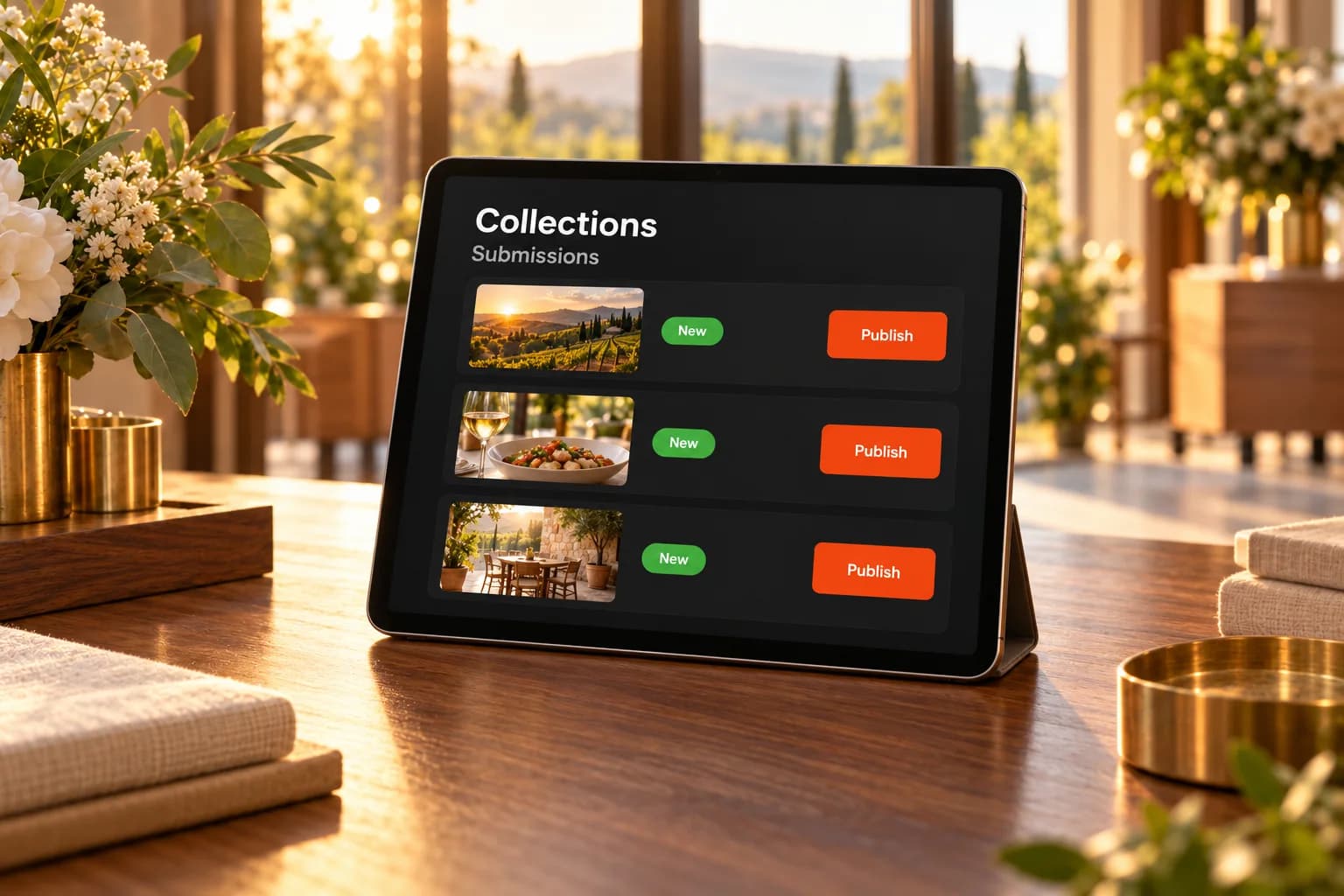
Visitors send entries through a form on your website, pictures and files included. Each one waits in your inbox as a draft until you publish it — nothing goes public without you.
- Your fields, in your order, with show-if rules
- Pictures and files stay private until you publish
- Your team is emailed about every new submission
- Unpublished submissions deleted after the days you set
Why it works
Change it once, and every page follows.
Your lists, entry pages and forms all read from the same tables, so the website stays right without extra work.

Edit once, shown everywhere
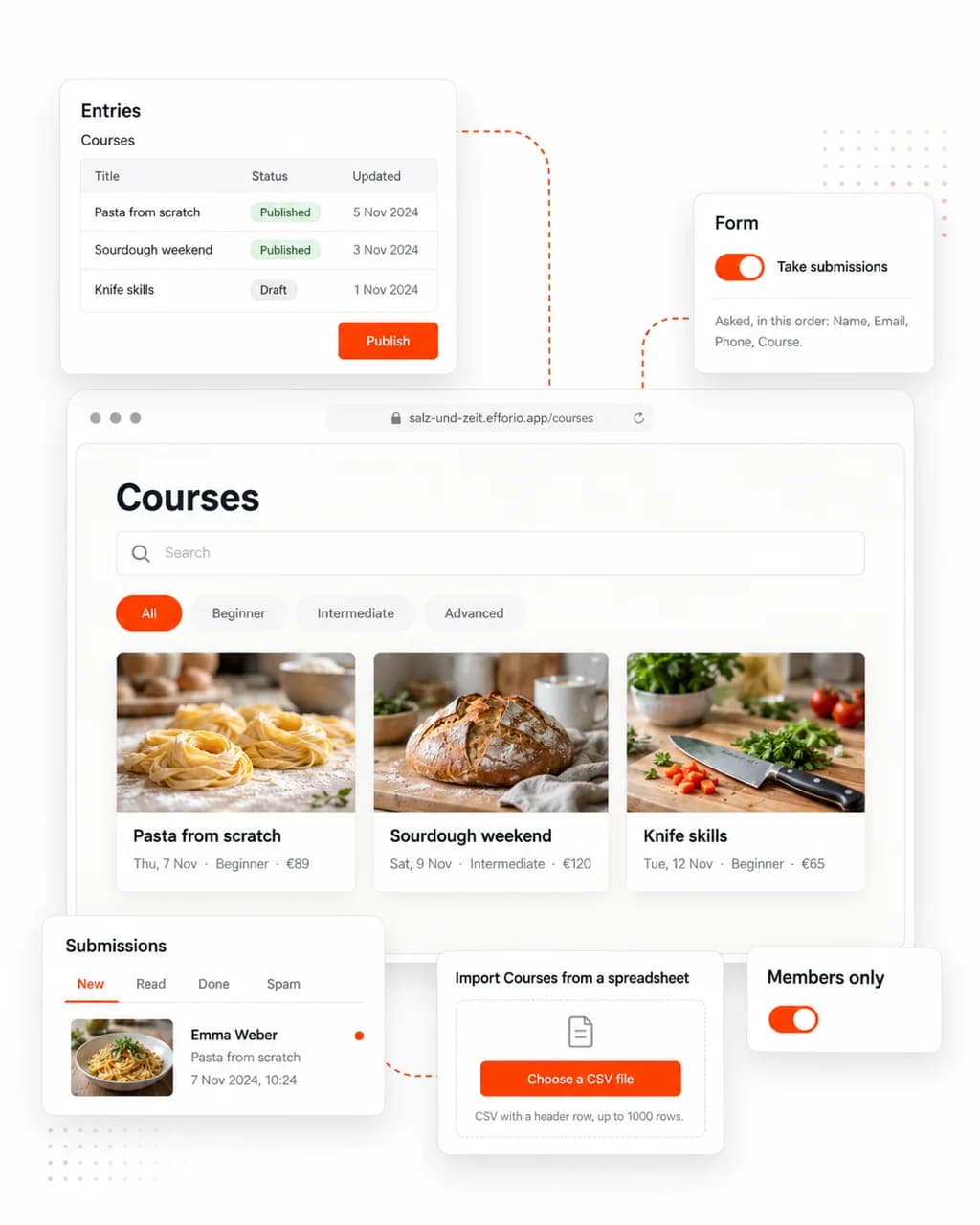
Save a published entry and every list and page that shows it changes with it.
A page for every entry
Switch on entry pages and each published entry gets its own address, linked from your lists.

Visitors find it quickly
A search box and filter chips let visitors narrow a long list to what they want.

Your spreadsheet, moved in
Import up to 1,000 rows from a CSV file at a time, and export your entries whenever you need them.

Members see their own
Make a table members-only, and signed-in customers find the entries they sent in their account.

Other tools stay in step
Webhooks tell your other tools when a visitor sends an entry, and when one is published or deleted.
What's included
Everything a list on your site needs.
Build the table in your dashboard, place it on a page in the editor, and keep the entries current in one place.

Fields
21 field types, from short text to ratings, prices, relations to other tables and consent boxes.

Pictures and files
Photos and documents on every entry, uploaded by you or sent through a form.
Entry pages
A page for every entry with its own address, ready to share — event and course pages tell search engines their dates and details.
Search and filters
A search box and filter chips by one of your choice fields, on the lists where you switch them on.

Submissions
Review what visitors sent, publish it or delete it; submissions you never publish are deleted after the period you set.
Connections
Webhooks tell your other tools when a visitor sends an entry, and when an entry is published or deleted.
Hosting
Hosted in Germany. Open to the world.
Your website and its data are stored on servers at Hetzner in Nuremberg, every visit is encrypted, and visitors reach your site from anywhere.
- Servers in GermanyYour website and its data are stored at Hetzner in Nuremberg.

- Encrypted in transitEvery visit travels over HTTPS, on your efforio.app address and your own domain.

- Reachable worldwideVisitors open your site from anywhere, on any device.

- Servers in Germany: Hosted at Hetzner in Nuremberg
- SSL certificate: Every visit is encrypted
- Reachable worldwide: Your site is open to visitors everywhere
Questions
Questions before you build your first table.
- What can I use collections for?
- Anything that is a list on your site: courses, events, listings, team members, a portfolio, FAQs or member directories. Events, Courses, Team, FAQ, Portfolio and Listings come ready-made — Events and Courses with a matching sign-up table.
- How do entries appear on my website?
- Place a list block on a page in the editor — cards, rows, an agenda or a spotlight — and each entry can have its own page with its own address. Event and course pages tell search engines their dates and details.
- Can visitors add entries?
- Yes, through a form on your site with the fields you choose, pictures and files included. Submissions arrive in your inbox and are only shown once you publish them.
- Can I import my existing spreadsheet?
- Yes, as CSV — up to 1,000 rows at a time — and export up to 10,000 rows. Excel files need to be saved as CSV first.
- Can some entries be for members only?
- Yes. Link your collections to a customer account area and a table can be shown — and its form used — by signed-in customers only.
- How many entries can a table hold?
- Up to 50 tables per collection with 10,000 entries each, on Start, Business and Pro alike. A visitor's submission counts once you publish it.

Get started
Change it once. Your site keeps up.
The Start plan at €15 a month includes Collections. Build your website free first, then switch it on when you are ready.