

Customer accounts
One account for every visit — orders, bookings and tickets together.
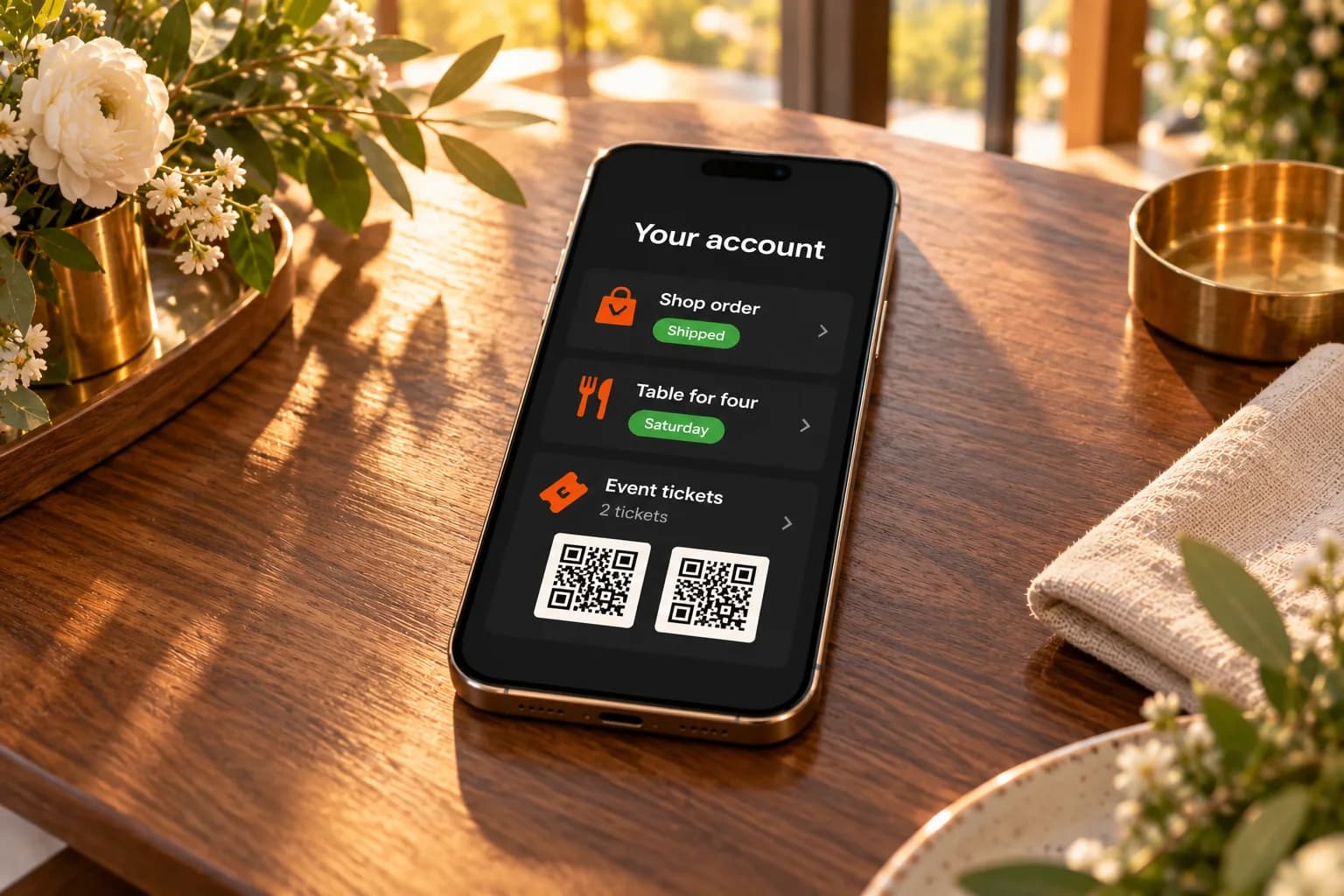
Customers register once and find their orders, reservations, appointments, applications and tickets in one place — across the apps on your websites, with your logo and colours.
Why customer accounts
Three things that make customers start over.
Returning customers get lost for ordinary reasons: they type the same details every time, their orders and bookings are scattered across emails, and members-only content needs a separate tool.

01
The same details, every time.
Customers type their name, email and phone again for every order and booking.

02
Everything scattered in emails.
Confirmations and tickets end up scattered across inboxes, and customers ask you for them.
03
Members-only needs another tool.
A members area usually means another login and another tool to keep up to date.
Built for returning customers
One account across your business.
One sign-in for every app on your websites, from your own domain, with the privacy your customers expect.
 Password or an emailed codeCustomers sign in with a password, a six-digit code by email, or either — your choice. Common passwords known from data breaches are refused.
 One account for every appThe same account works in your store, restaurant, bookings, careers, events and members-only tables, on every website those apps are on.
 Details ready at checkoutA signed-in customer's details are filled in when they order, book or apply, and earlier guest orders, reservations and tickets with the same email join their account.
 Saved addressesUp to ten addresses per account, one of them the default, edited by the customer in their profile.
Members only
Some things are for your customers only.
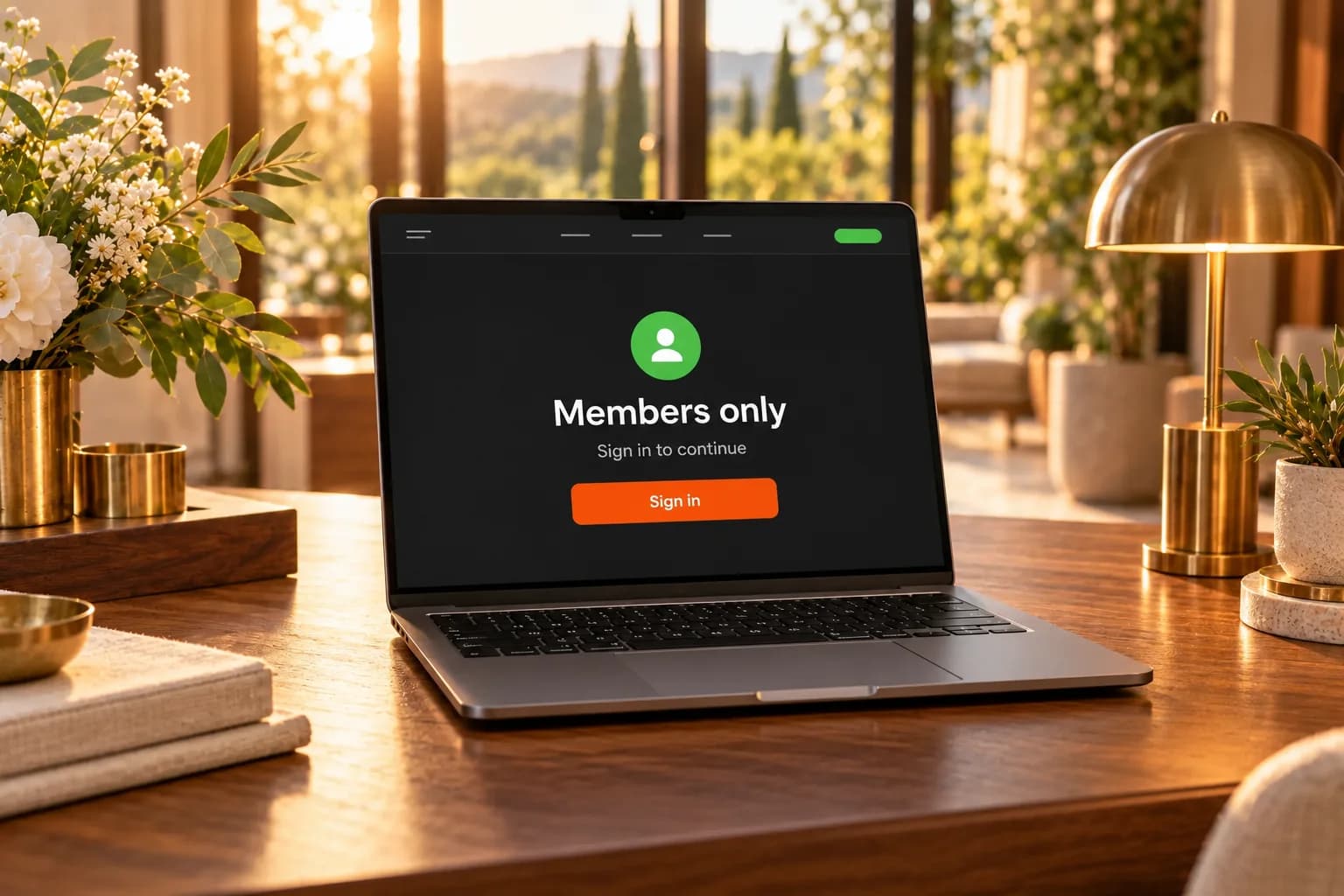
Make a page, a table from your collections, or an app's checkout, bookings, reservations, applications or event registrations available to signed-in customers only. Signed-out visitors are asked to sign in, and you decide who may register.
- Members-only pages, hidden from search engines
- Members-only tables from your collections
- Checkout, bookings, reservations, applications or event registrations for members
- Sign-up open, with your approval, or closed with invitations
Why it works
Customers come back, and help themselves.
An account turns one-off visitors into returning customers who find, repeat and manage things without writing to you.
Fewer questions for you
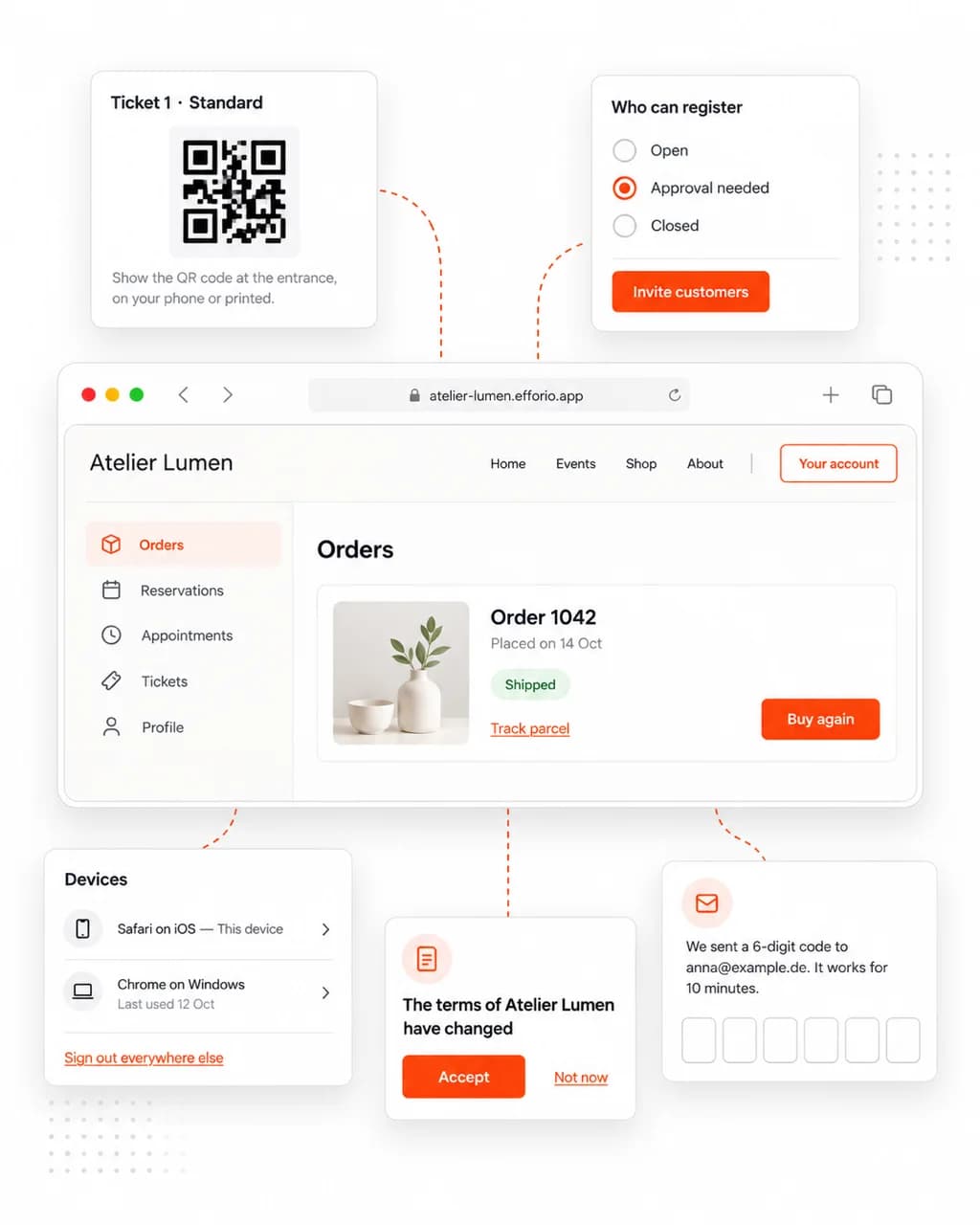
Orders with tracking and invoices, reservations, appointments and tickets with QR codes are in the customer's account, not lost in an inbox.

Repeat orders in one tap
Buy again and Order again put an earlier shop order or meal back in the cart at today's prices.

You decide who joins
Sign-up is open, needs your approval, or is closed — and you can invite customers even while it is closed.

Customers stay in control
They see the devices they are signed in on, sign out elsewhere, download their data or delete their account.

New terms, accepted again
When your terms change, every customer is asked to accept them again the next time they open their account.

Old accounts tidy themselves
Accounts unused for one, two or three years are deleted after a warning email — orders and bookings stay with you.
What's included
Accounts without building a login.
Create an account area, link a verified mail domain and the apps it serves, then switch on the sign-in button in your site's navigation.

Sign-up your way
Open to everyone, with your approval, or by invitation only; with or without a phone number and your terms.

Emails from your domain
Confirmation links, sign-in codes and notices are sent from your own verified mail domain.
Sessions and devices
Customers see where they are signed in and sign out other devices; you can end every session of an account.

Members-only content
Pages, tables from your collections, and checkout, bookings, reservations, applications or event registrations — for signed-in customers only.

Your branding
The sign-in and account pages carry your logo and colours.
No tracking
One strictly necessary session cookie for signed-in customers — nothing for advertising or analytics.
Hosting
Hosted in Germany. Open to the world.
Your website and its data are stored on servers at Hetzner in Nuremberg, every visit is encrypted, and visitors reach your site from anywhere.
- Servers in GermanyYour website and its data are stored at Hetzner in Nuremberg.

- Encrypted in transitEvery visit travels over HTTPS, on your efforio.app address and your own domain.

- Reachable worldwideVisitors open your site from anywhere, on any device.

- Servers in Germany: Hosted at Hetzner in Nuremberg
- SSL certificate: Every visit is encrypted
- Reachable worldwide: Your site is open to visitors everywhere
Questions
Questions before you add customer accounts.
- How do customers sign up?
- They register with their email and name, open the link you email them, and set a password or finish with a code. You choose whether sign-up is open, needs your approval, or is closed — and you can invite customers even while it is closed.
- What do customers see in their account?
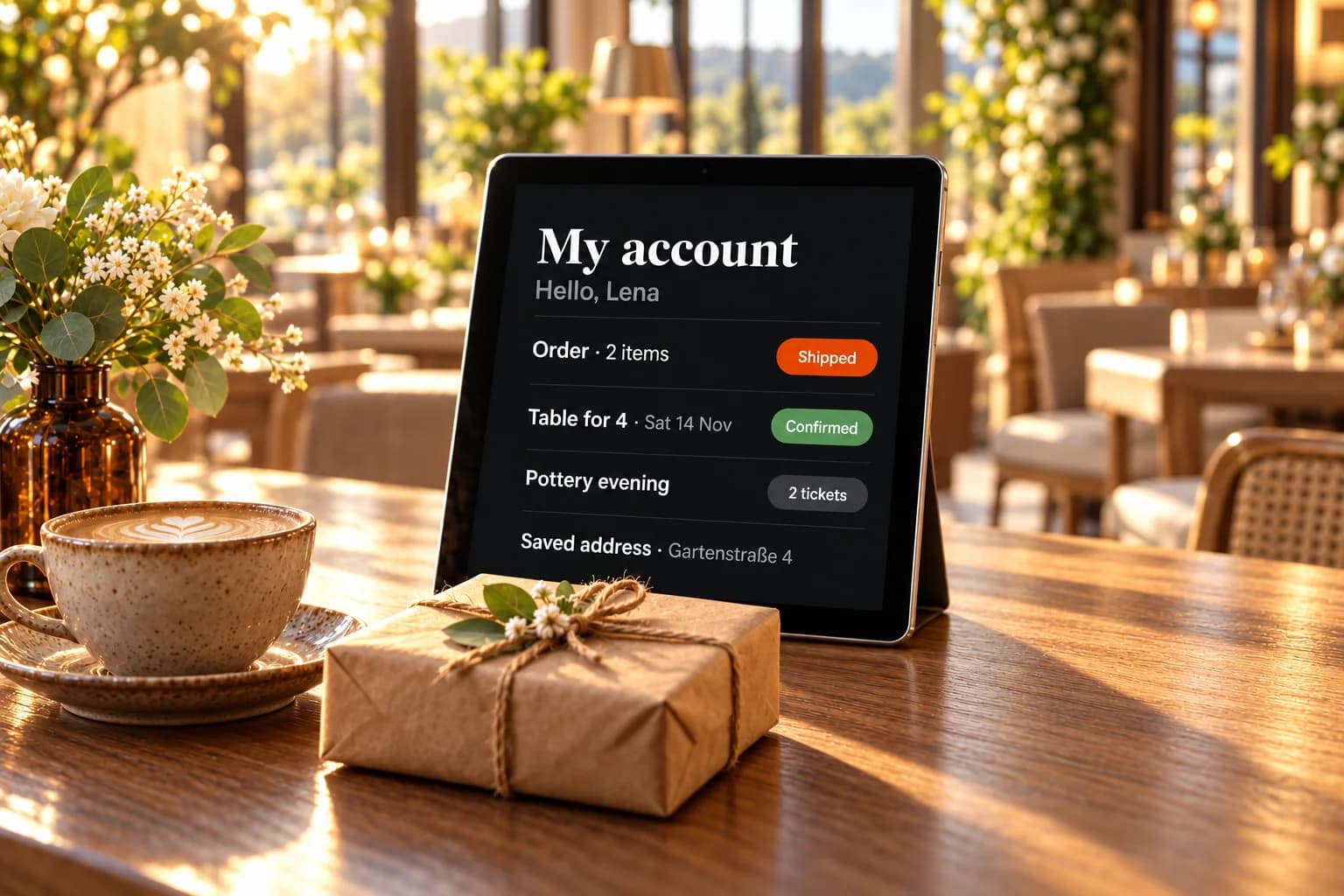
- Their orders with tracking and invoices, restaurant reservations and food orders, appointments, applications and event tickets with QR codes — and their profile, addresses and devices. They can download all of it as a file.
- Can I make pages members-only?
- Yes. A page or a table from your collections can be for signed-in customers only, and so can an app's checkout, bookings, reservations, applications or event registrations.
- Do I need my own email domain?
- Yes. Sign-in links, codes and notices are sent from your own verified mail domain, so customers can register and sign in once that domain is verified and linked.
- Is there social login or two-factor sign-in?
- Not today. Customers sign in with a password, an emailed code, or both.
- What happens to inactive accounts?
- You choose: delete after one, two (the default) or three years without use, with a warning email 30 days before — or keep them. Customers can also delete their account themselves; their orders and bookings stay with you.

Get started
Make coming back easy.
The Start plan at €15 a month includes Customer accounts. Build your website free first, then switch it on when you are ready.